
Where to buy our cards
Our cards are available only two ways:
-
1
Claim on Instagram
Comment “Claim” on a card post from @mohrcollectibles. - 2
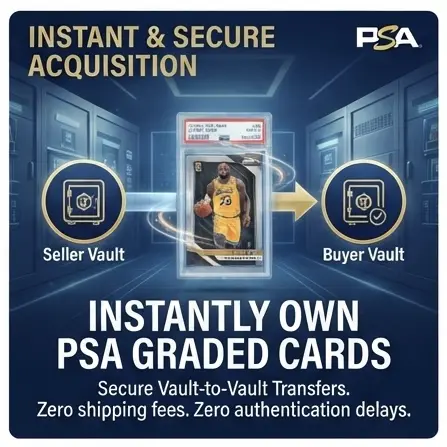
Every card is sent only by PSA Vault-to-Vault transfer. We do not ship cards.
Instagram claim sales
How a claim works
-
01
Claim in the comments
See a card you want on one of our Instagram posts? Comment to claim it. First valid claim wins.
-
02
We DM you
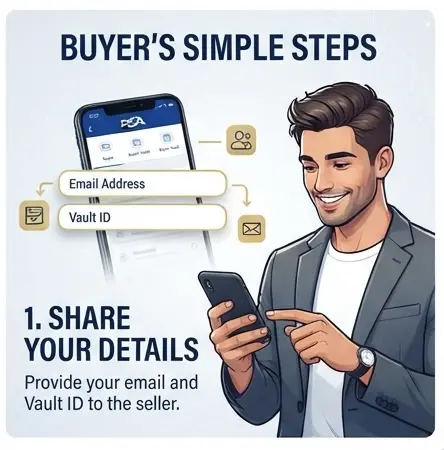
We send you a direct message to gather your details — your email address and PSA Vault ID.
-
03
Pay your invoice
We send an invoice for your card. Pay it at your convenience to lock in the purchase.
-
04
Check your collection
After receiving payment, we initiate the transfer. Once completed, ownership moves to your account; check your Collection and the confirmation email from PSA.
Vault-to-Vault transfer
It really is this easy
Your card stays in the PSA Vault while ownership changes. Follow our buyer guide for account requirements, transfer steps, and troubleshooting.
Check your Collection
PSA sends an email confirming the transfer.
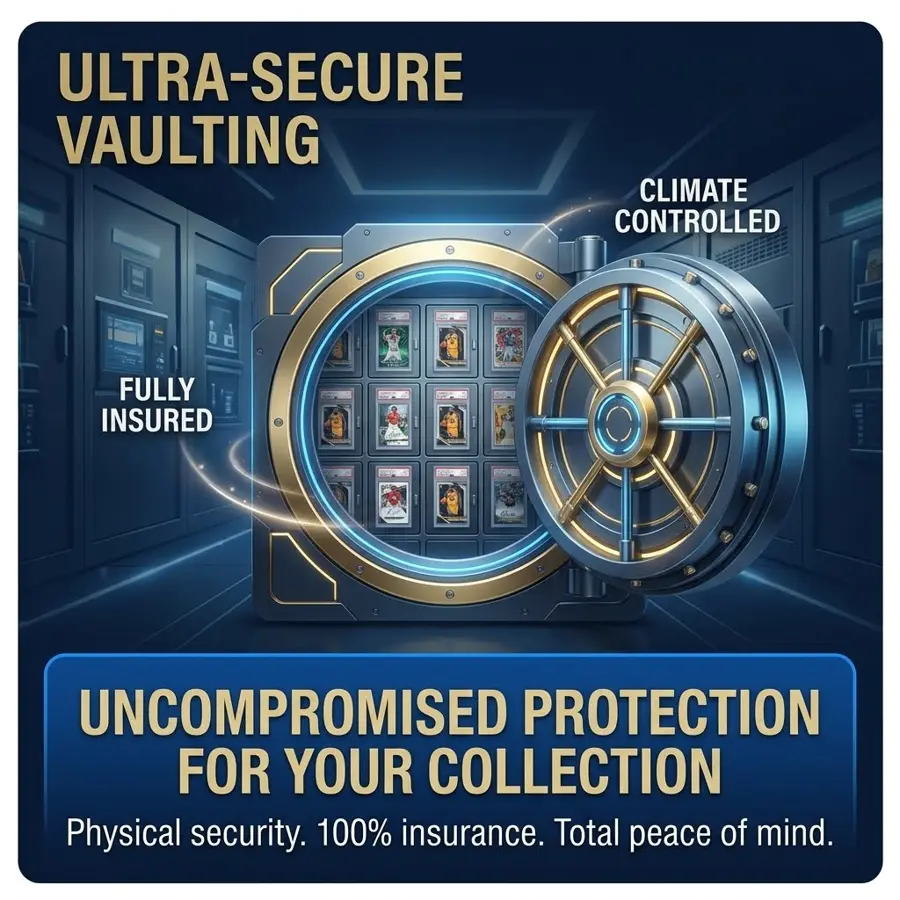
WHY USE PSA VAULT?
Explore the benefits of keeping your collection in the PSA Vault.
PSA Vault transfer questions
PSA references checked November 15, 2026. For full instructions, read our PSA Vault-to-Vault transfer guide.
Do I need a PSA Vault account?
Yes. PSA requires an active account, and your email address and Vault ID must match that account. Confirm your details before claiming a card. See PSA’s transfer requirements.
Where do I find my PSA Vault ID?
Sign in and open PSA’s Vault shipping page to find your personal Vault ID. This is the destination linked from PSA’s official Vault overview. Send us the ID and your account email privately when we DM you.
How do I accept a PSA Vault-to-Vault transfer?
PSA’s current process does not list a separate acceptance step. When the sender completes the transfer, ownership moves to your account, the card becomes viewable in your Collection, and PSA sends an email. Check your Collection and PSA’s current instructions.
What if my transfer is not showing?
Check that you are signed into the account matching the email and Vault ID you shared, refresh your Collection, and check your email. Contact @mohrcollectibles to confirm we completed the transfer and used the correct details. If it still does not appear, contact PSA support. Never share your password or verification codes.
Are PSA Vault-to-Vault transfers free?
PSA describes Vault-to-Vault transfers as free. You still pay for your card. A later request to withdraw and ship it from PSA is a separate service with applicable charges; check PSA’s current withdrawal and shipping fees.
Can you ship the card to me instead?
No. MohrCollectibles does not ship cards. All our sales are delivered only by PSA Vault-to-Vault transfer. After ownership transfers, you can separately request delivery from PSA through your Collection, subject to PSA’s terms and fees.
Where can I buy your cards, and who handles payment?
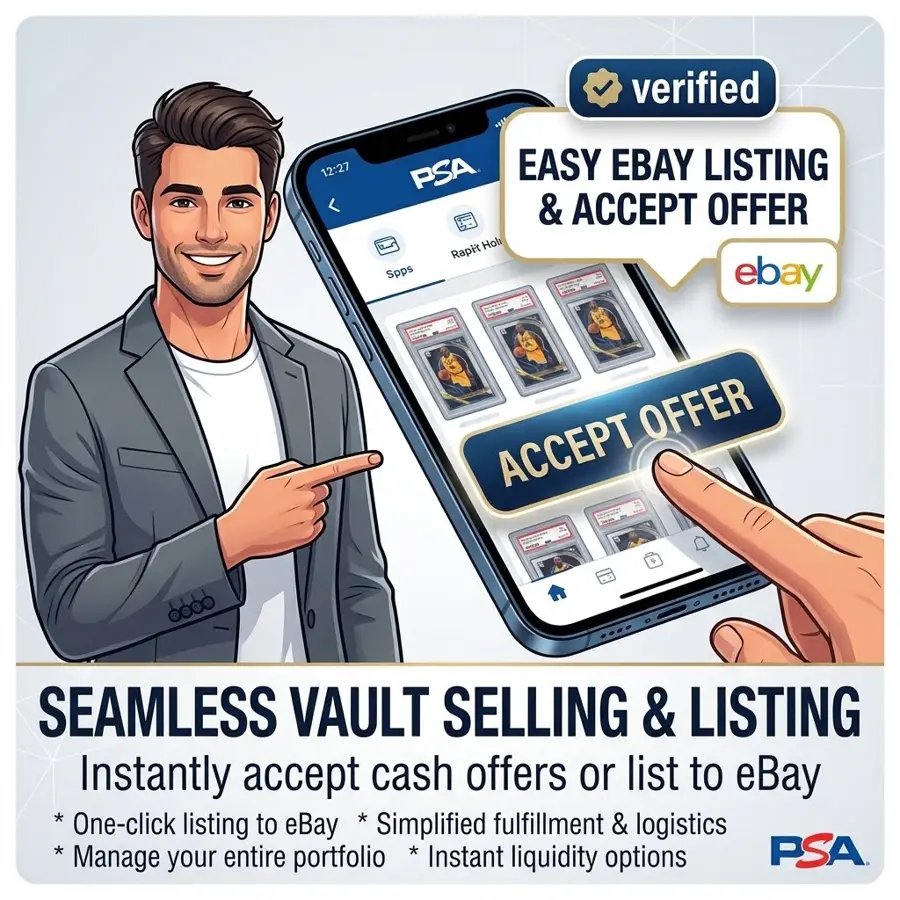
Only on eBay through the PSA store or by claiming on @mohrcollectibles. For Instagram claims, we send an invoice and initiate the transfer after receiving payment. eBay purchases use eBay checkout. PSA does not process or guarantee payment associated with a Vault-to-Vault transfer.
How long does a transfer take, and can it be reversed?
Our Instagram process starts with your claim, details, and invoice payment. PSA says ownership transfers immediately once the sender completes the transfer; that is separate from the time needed to arrange the sale. PSA also states that completed transfers cannot be reversed by PSA. Confirm all details before proceeding. See PSA’s transfer FAQ.